ScratchManager
More room on your Mac
A Mac app that moves bulky, rebuildable app storage, like caches and build files, onto an external SSD. Unplug the drive and the Mac quietly covers for it. Plug it back in and everything moves home.
DOSSIER
- 01Why Merlin wanted to build it
- 02The partnership
- 03The product
- 04Product decisions
- 05How it is built
- 06Evidence and progress
Xcode, Unity, Photoshop and AI coding tools fill a Mac fast, and storage upgrades are expensive. Moving app data by hand works until a cable comes loose. The gap is not the idea, it is doing it safely.
Merlin-originated, like Scaffolds. Merlin designs it, builds it and will sell it. A distribution partner in the Mac, creative or developer space is the open seat.
- 01In use on Merlin's own Mac before anyone else's
- 02Designed, built and to be sold by Merlin
- 03Nineteen app profiles, from Xcode to Claude
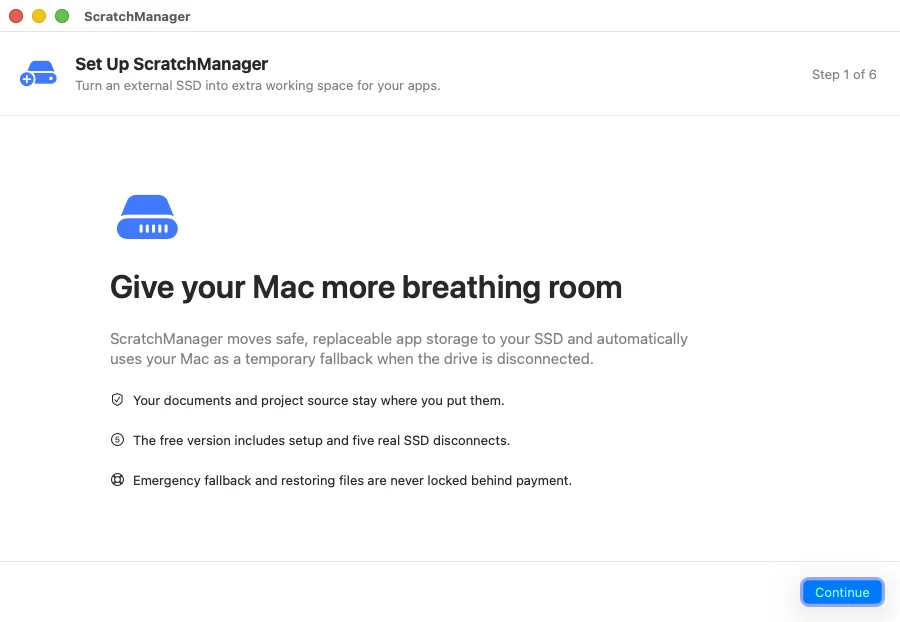
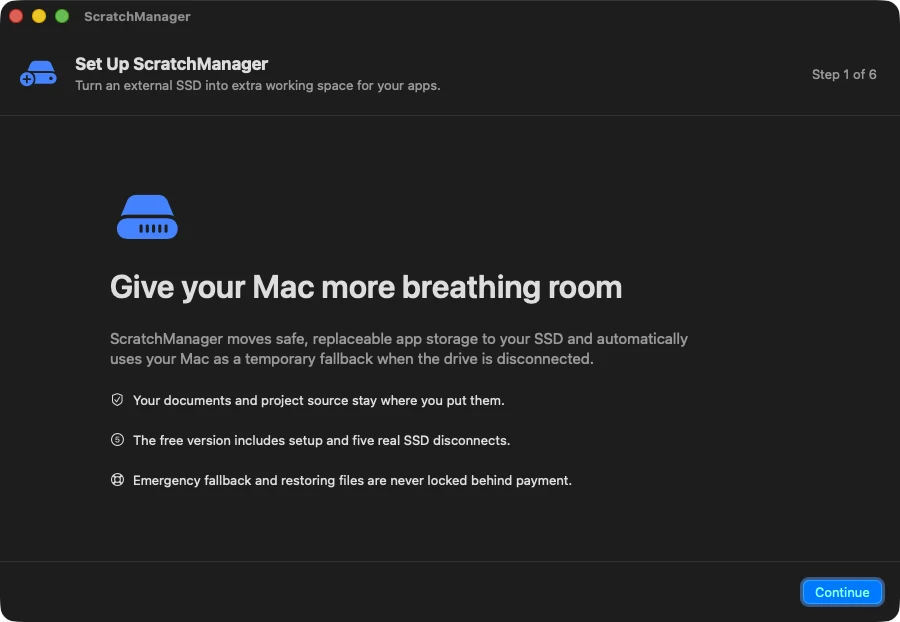
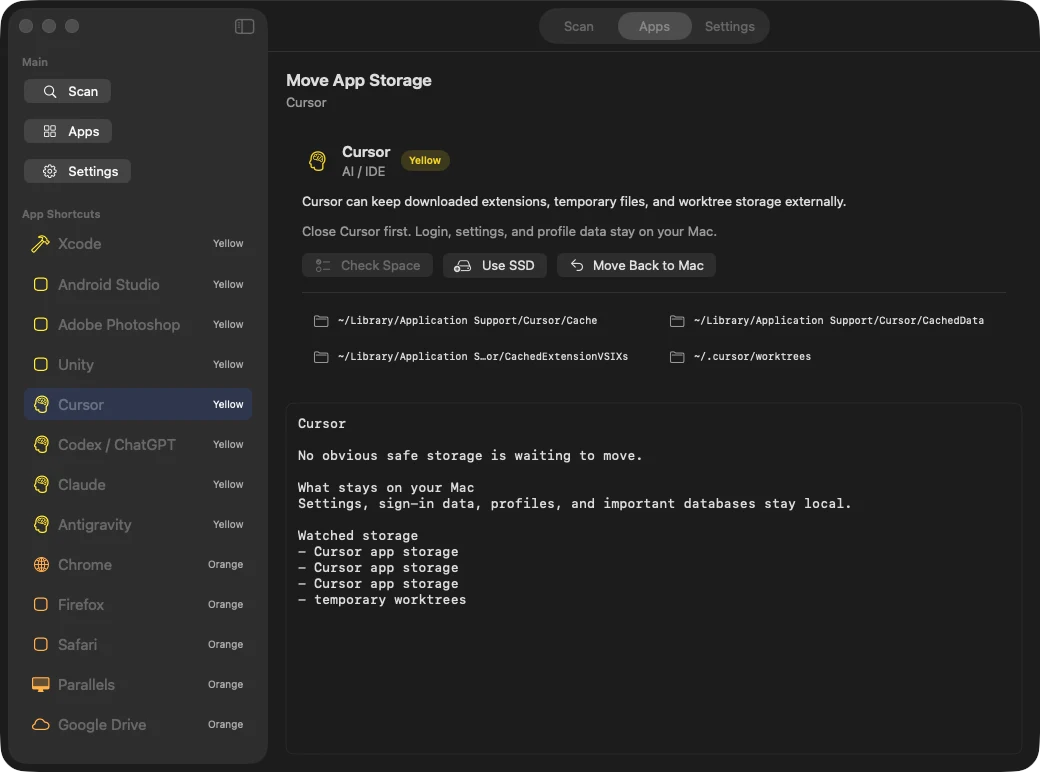
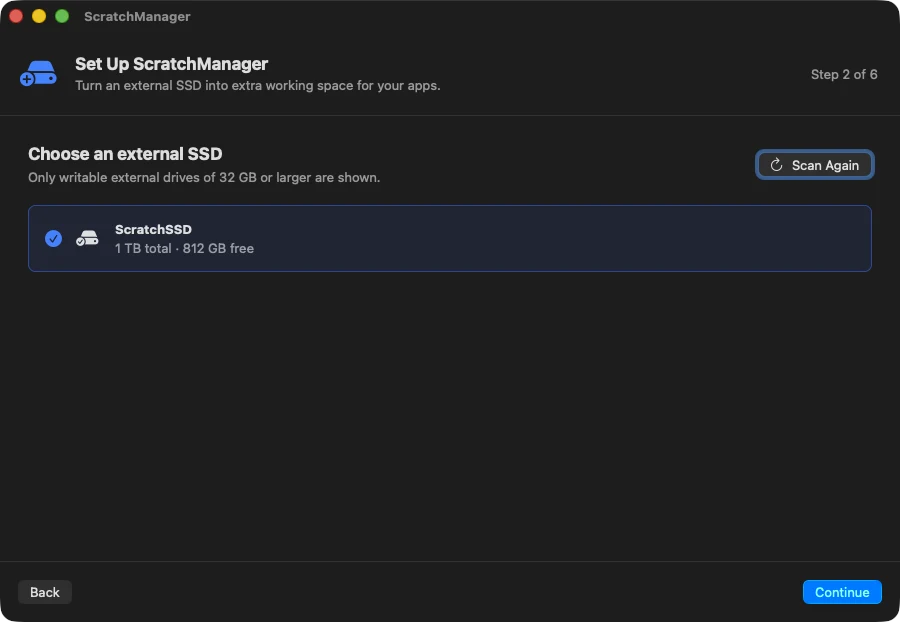
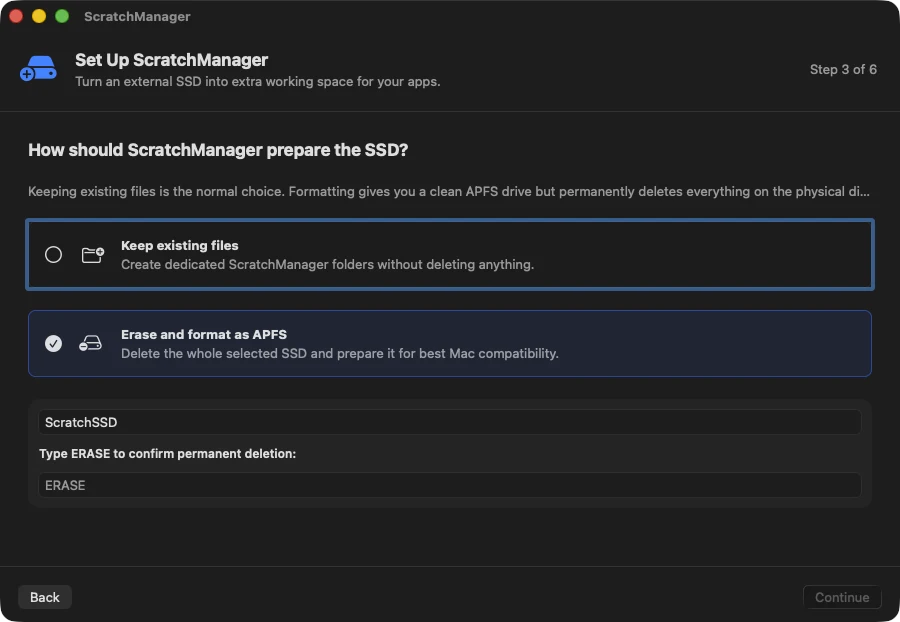
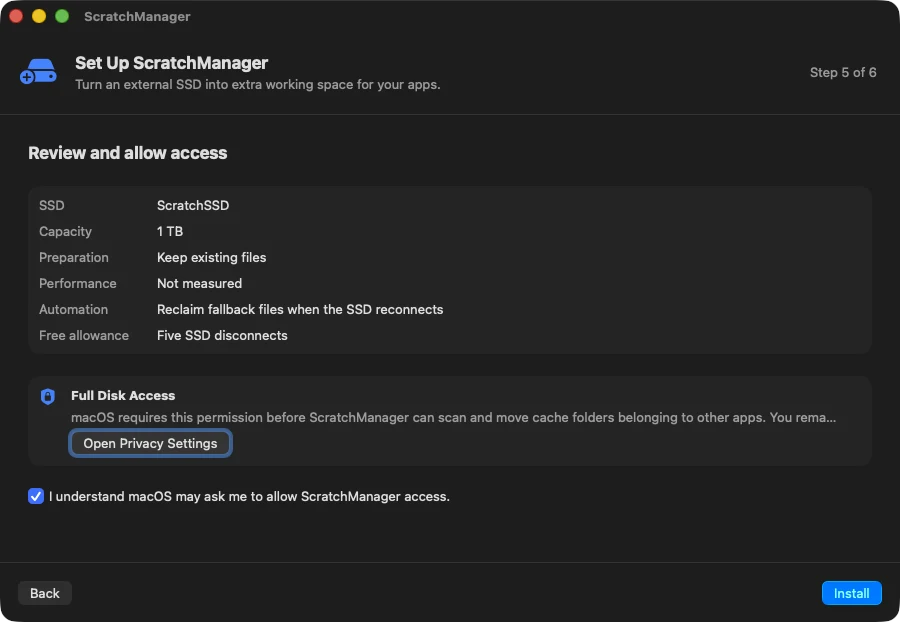
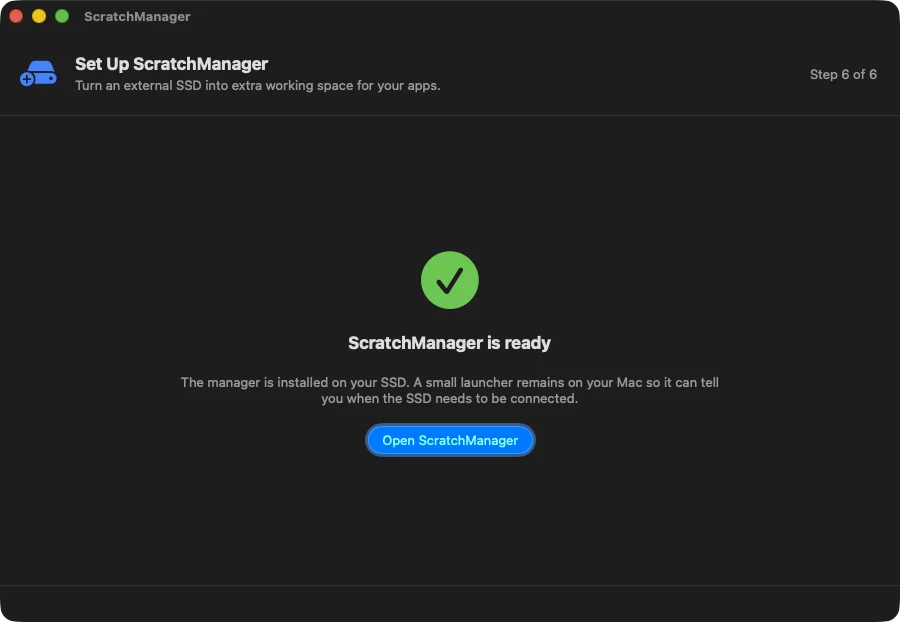
A six-step setup, a scan that shows what can move, and one button per app: Use SSD, or Move Back to Mac. A menu bar helper watches the drive and handles the rest.
In private testing on macOS. Not yet on sale.
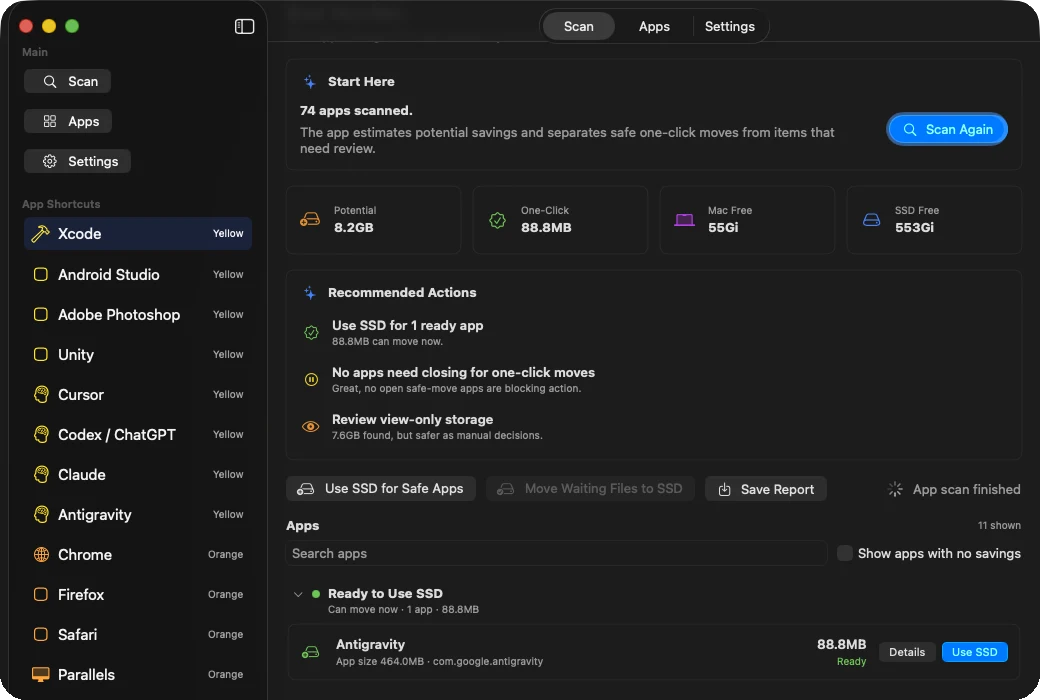
CAPTURED FROM THE CURRENT BUILD
Copy, verify, then switch
Data is copied and checksummed before anything points at it. The original waits until the new home is proven, and every step can roll back.
Every move is journalled
A crash or a pulled cable mid-move is recovered on the next start. Nothing is left half-done.
Recovery is never paywalled
An expired trial blocks new moves only. Fallback, repair and Move Back to Mac always work.
Cautious by default
Browsers, virtual machines and cloud drives are view-only. Browser moves stay off until real unplug tests pass.
The app list is data, not code
Each app profile is a plain description. It cannot run commands, and every path is checked against protected places.
- Swift
- SwiftUI
- AppKit
- Liquid Glass
- Disk Arbitration
- FSEvents
- zsh
- macOS 14+
Version 1.2.3 is installed and in use on Merlin's own Mac. Signing, notarisation, payments and physical unplug testing come before a public release. No sales figures yet, because nothing is on sale yet.
Reach the people who need this?
If you have a route to Mac creatives or developers, the evaluator will work out whether there is a venture in it.
Start a venture